

We've re-designed the action menu system with a cleaner, more consistent design. With even more actions, we've supercharged your ability to access platform functionality more easily, such as sharing differences, reporting flakes, displaying context of difference and more.
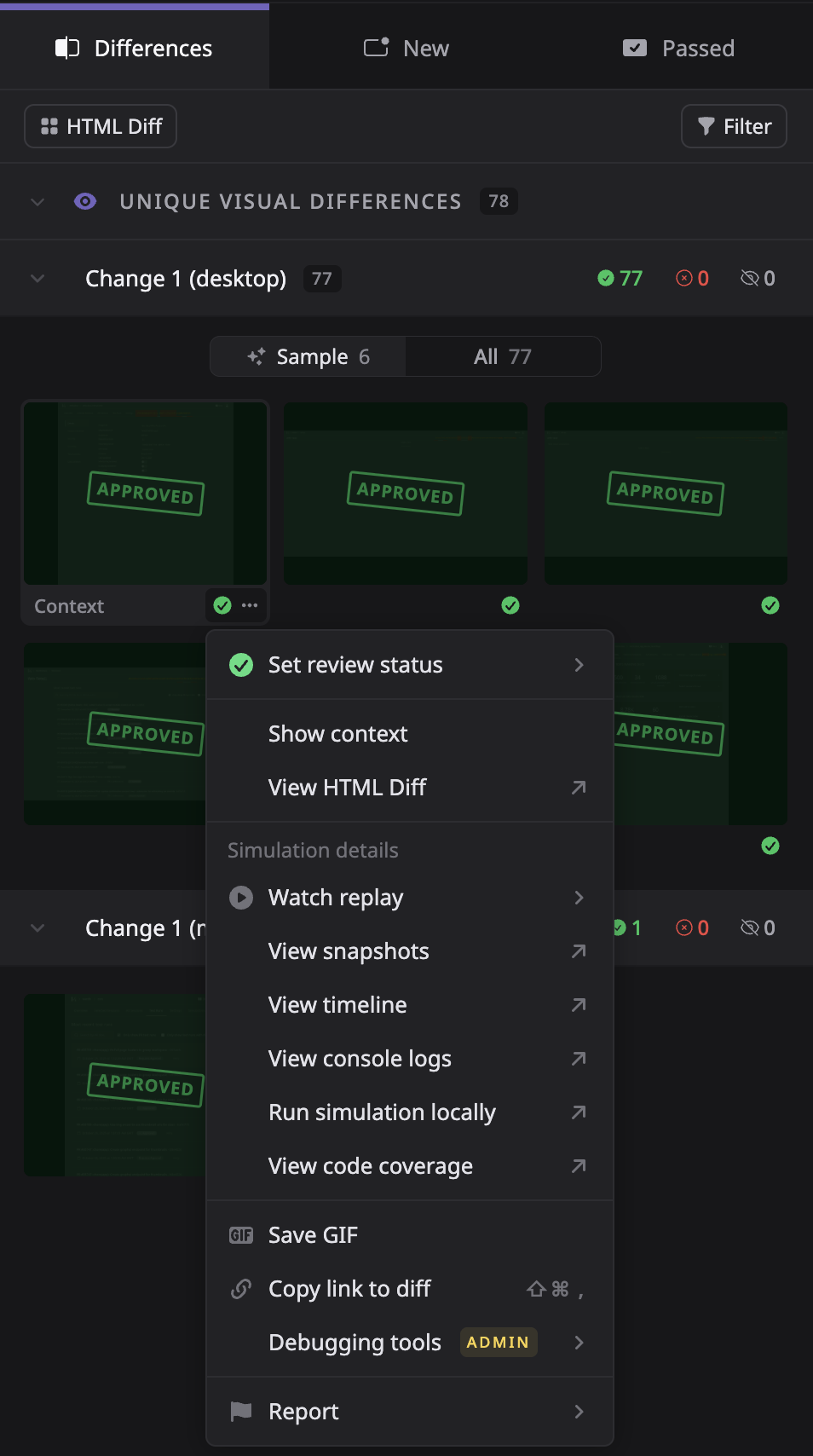
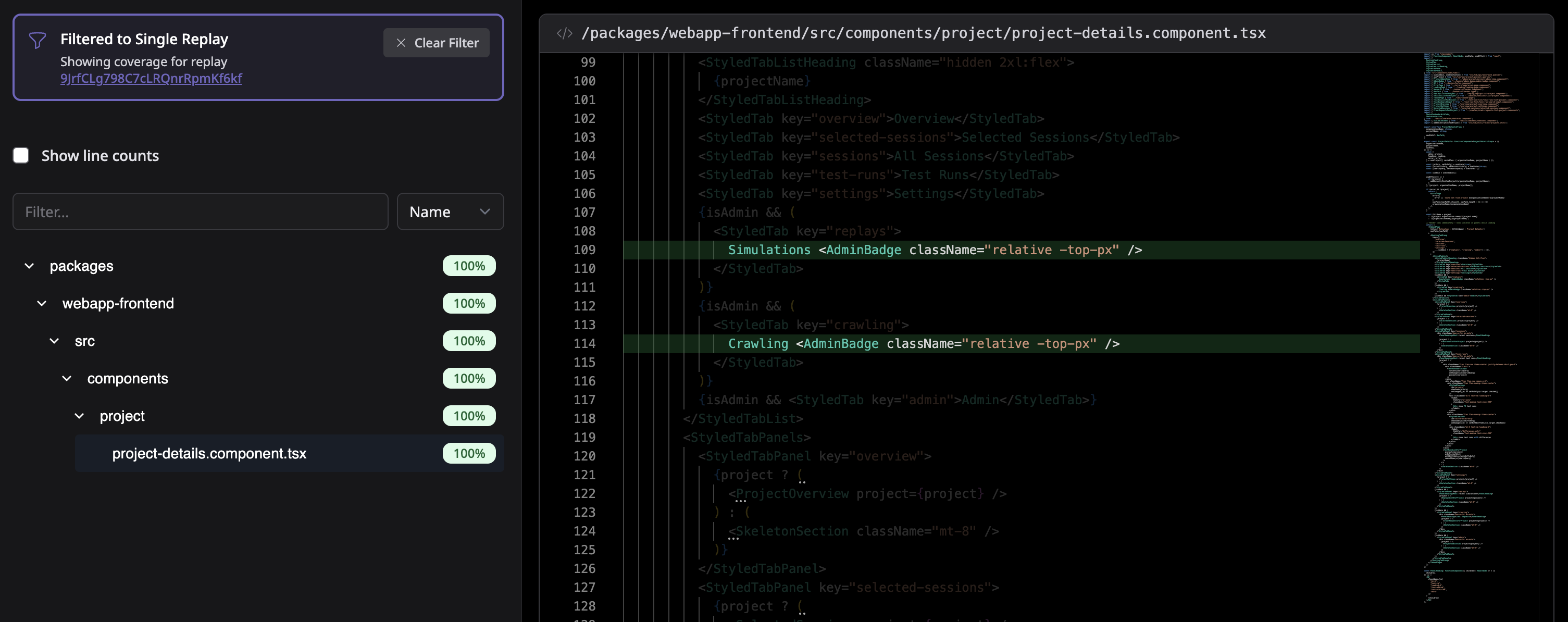
You can now view code coverage for individual replays - not just the entire test run. Use the action menu on any thumbnail and select "View Code Coverage" to see exactly which lines of code were exercised during that specific user flow.
- ✅ Filter by Approval State – We are continuing to improve the approval process, now allowing you to filter out differences you've already reviewed in prior test runs.
- 🏷️ Descriptive User Flow Titles – AI-generated session descriptions now appear as user flow titles when grouping by flow, instead of "User flow 1, 2, 3...".
- 📜 Diff Auto-scroll & Share – Automatically scroll to selected diffs and easily share links to specific differences.
- 🤖 Improved AI Network Patching – Upgraded parsing engine for more reliable mock generation.
- ⚡ Faster Large Test Runs – Significant frontend performance improvements when reviewing test runs with 1000+ differences.
- 🖼️ Better Iframe Handling – New replay engine to handle iframes to reduce flakiness in apps with embedded content.
- 🔧 Improved CI Setup UX – Clearer CI integration setup flow with better guidance on configurations for setting up new projects.
- 🔡 New Font – Better default font choice that improves the visual density and appearance of our UI.